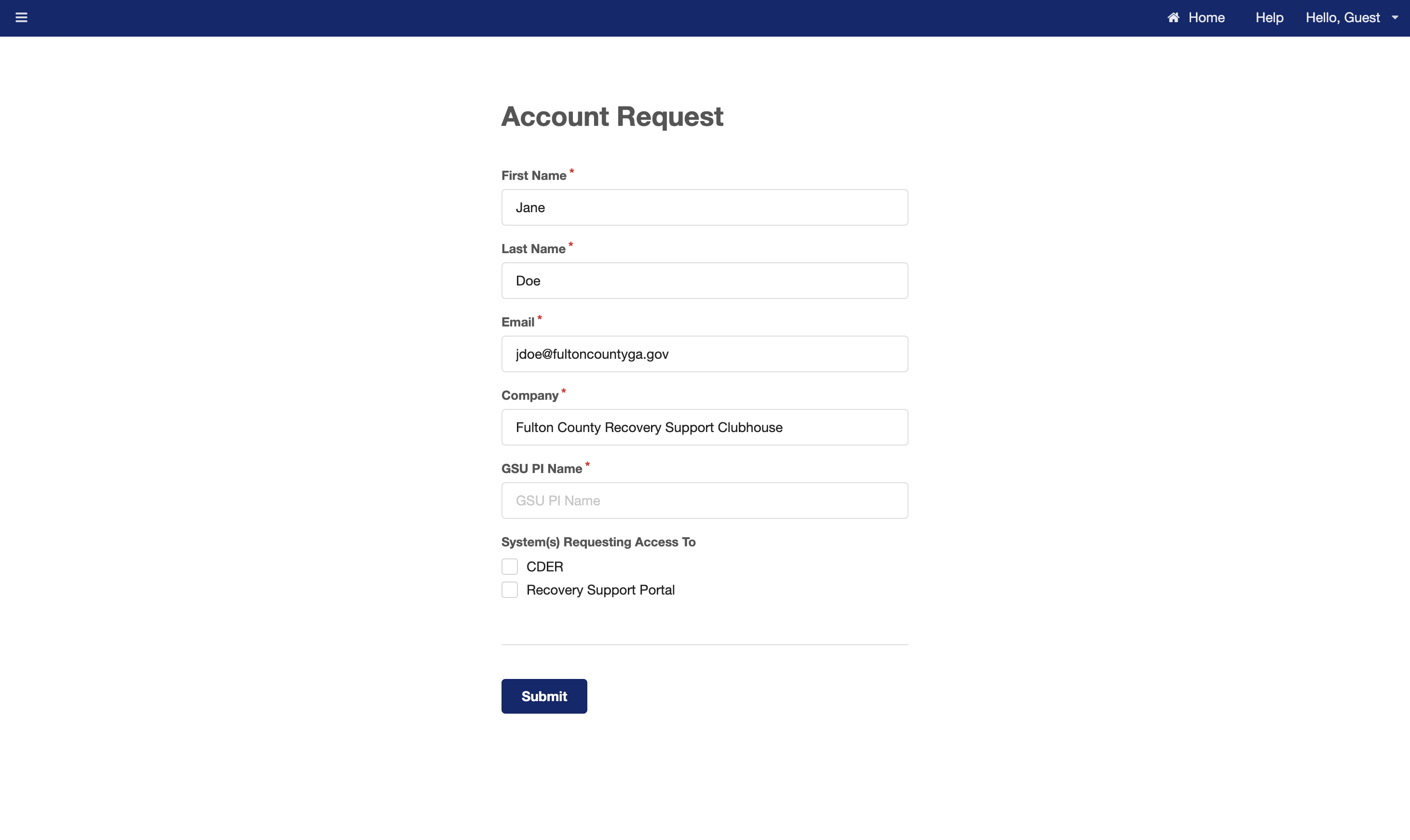
To request a new account, go to https://rsaccounts.rs.gsu.edu and fill out the Account Request form with your information.
In the "Company" field, enter the name of your clubhouse.
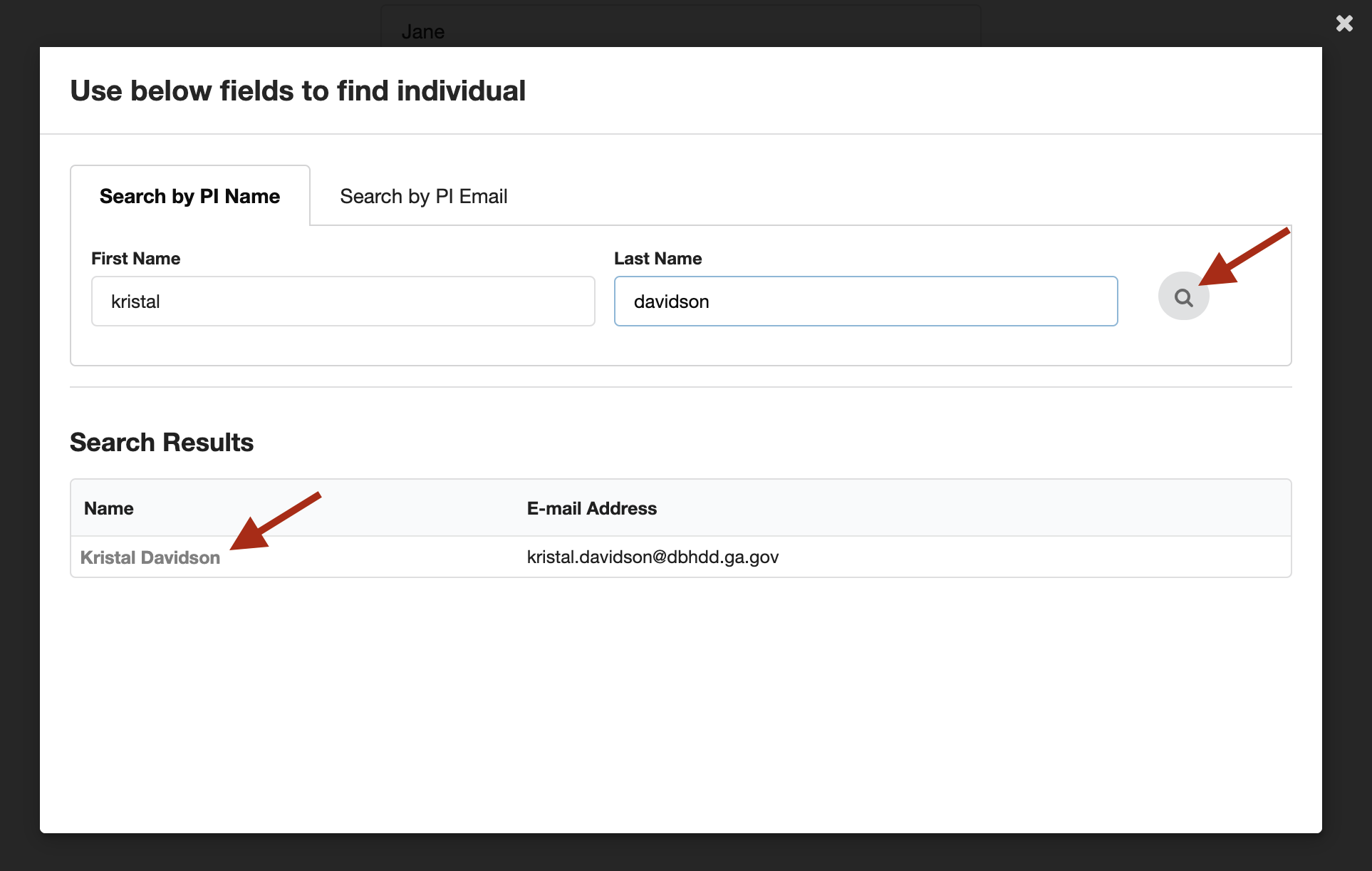
In the GSU PI Name field, click on the field and in the pop-up search for "Kristal Davidson".
Under "Search Results", select the "Kristal Davidson":
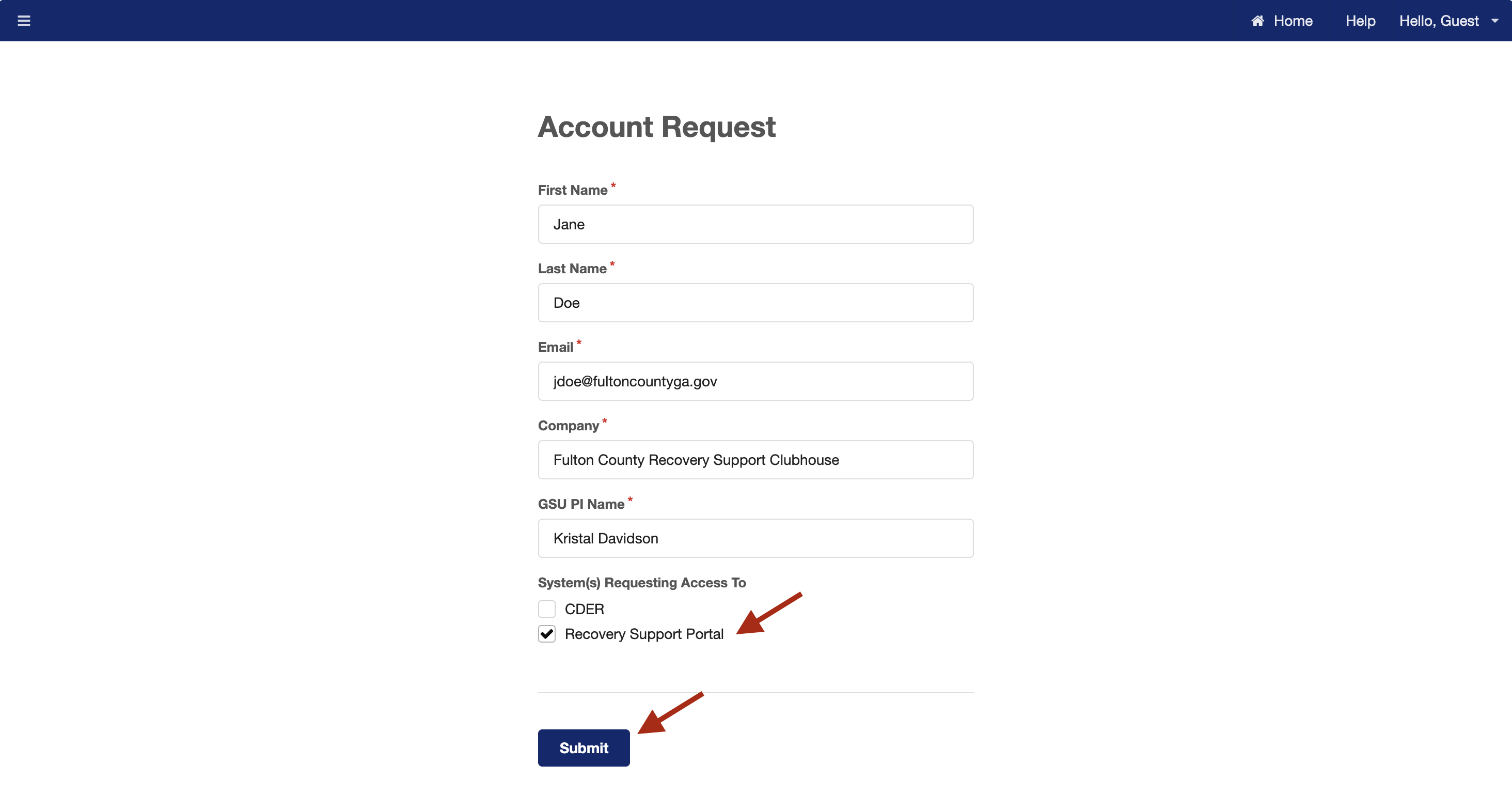
Under System(s) Requesting Access To, check the checkbox for "Recovery Support Portal" and select the Submit button:
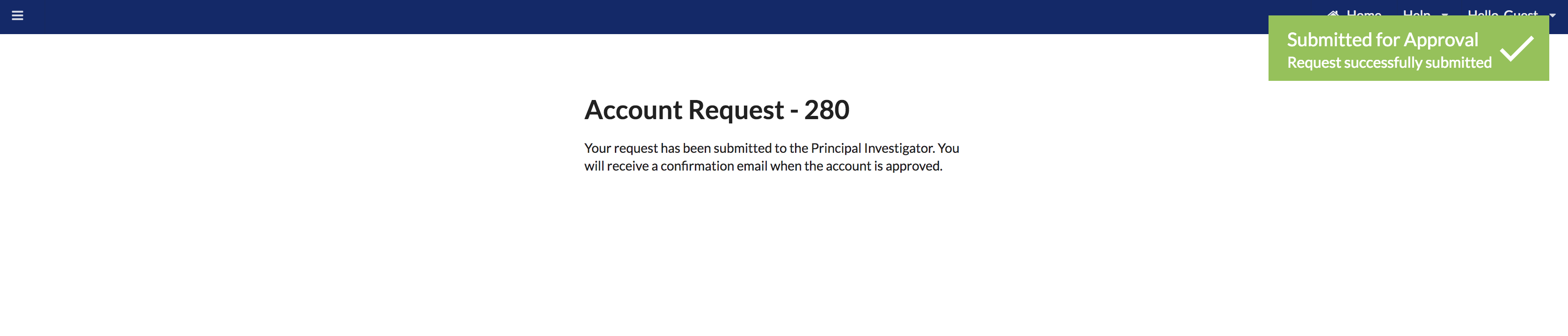
The submitted request's status will change to "Pending" and a notification email will be sent to Kristal Davidson with a link for her to approve the account.
Once approved, you'll receive an email notification with your new Username and Temporary Password with instructions on how to create a new password.
After completing the password update, you'll be able to log in to the Clubhouse Portal at https://rschportal.org/.