To deactivate an account, please follow the steps below:
-
Send an email to Kristal Davidson at kristal.davidson@dbhdd.ga.gov with information on any staffing changes before preceding to deactivate an account.
-
Send a request via email to the Research Solutions team at researchsolutions@gsu.edu with the name and username of the account to deactivate. The team will manually deactivate the account and respond via email when the account has been successfully deactivated.
-
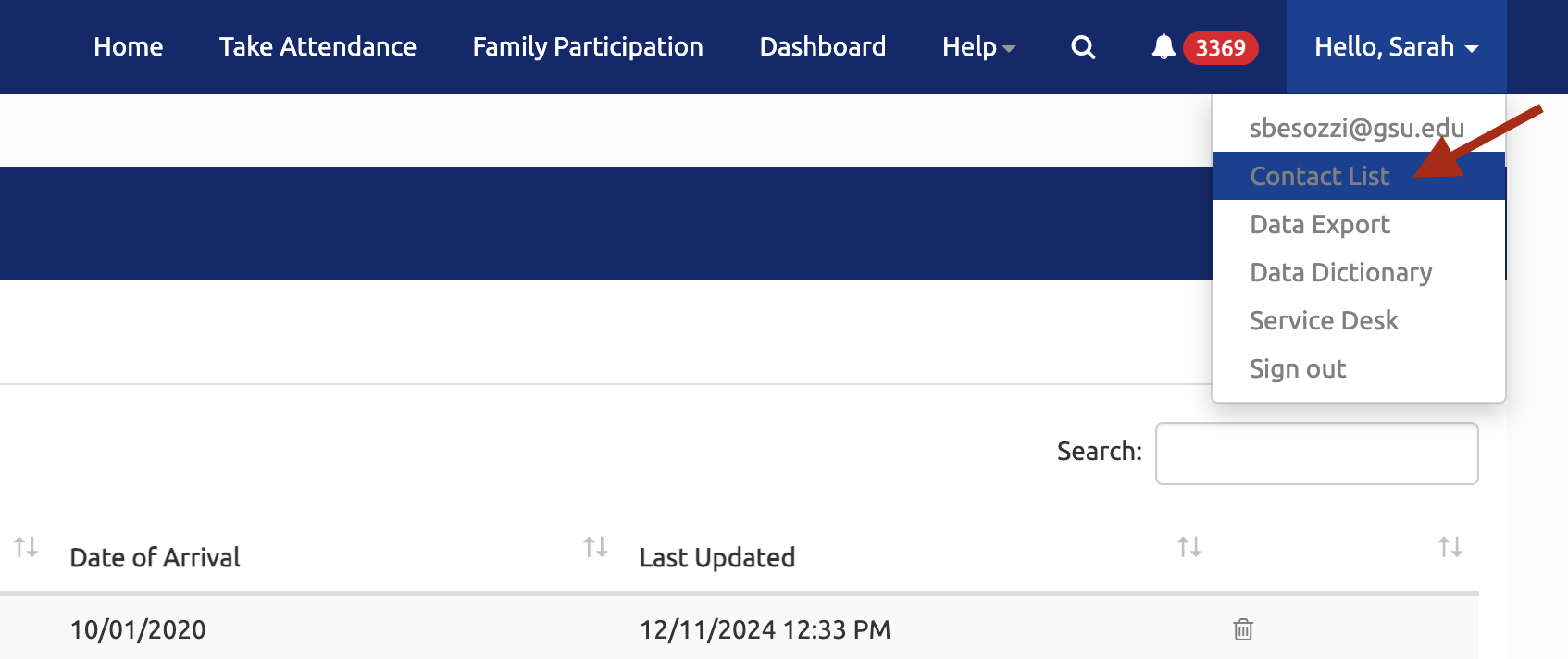
Delete the former staff's contact information from the clubhouse's Contact List.
a. This can be found under your name in the top right dropdown menu.
b. For a complete guide to updating the Contact List, please see the how-to guide here: How to Edit a Contact List